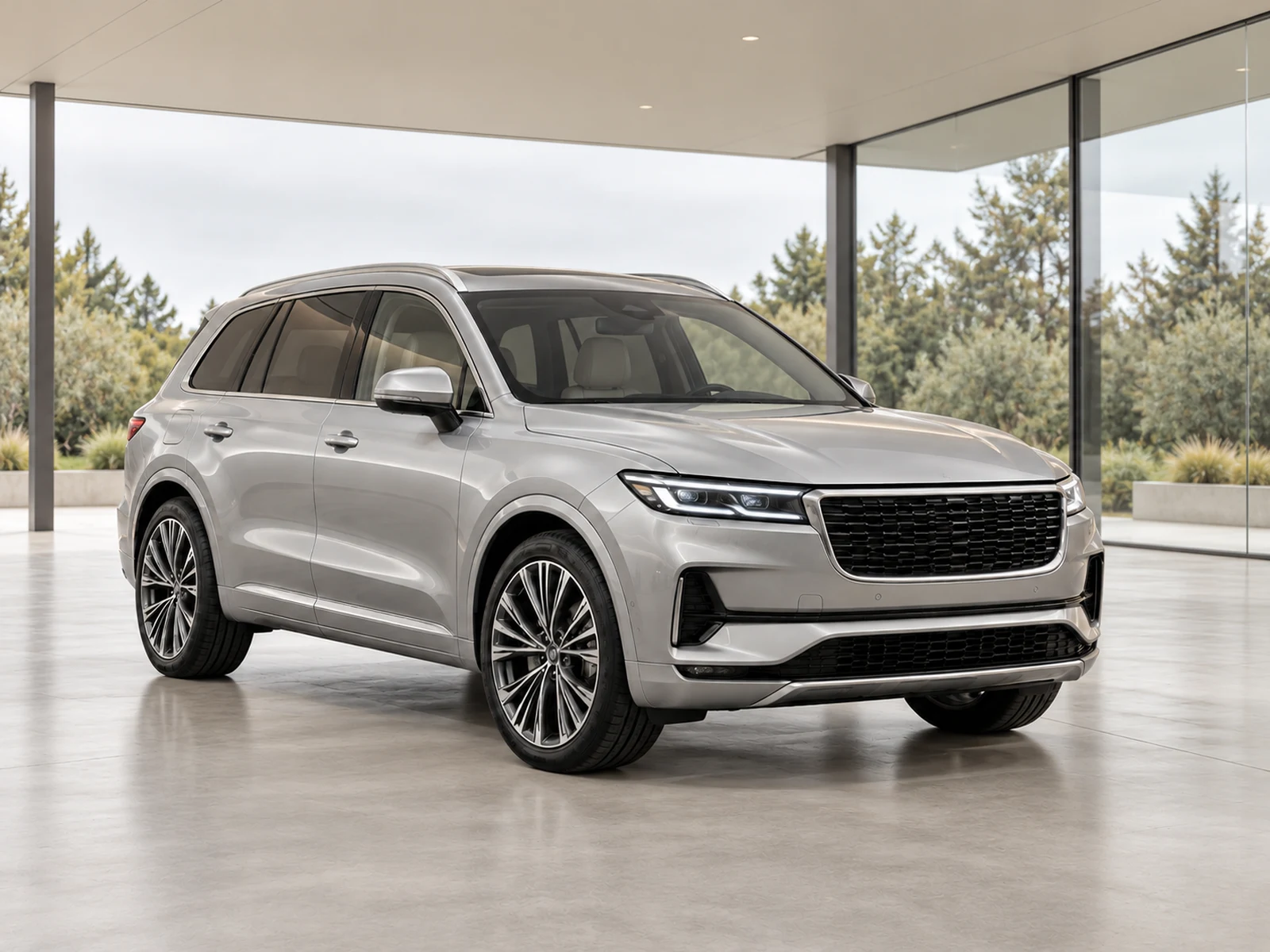
Wheel photographs can show equipment and condition at the same time. Capture them clearly enough to distinguish the actual design and any visible wear, rather than treating the close-up as a decorative extra.
Choose a view that explains the wheel
Photograph the wheel with the camera reasonably square to its face, leaving the complete rim and enough tyre visible. Avoid cutting off the lower edge or letting a harsh reflection obscure the spoke pattern. Use the actual wheel fitted to that stock vehicle. A close-up should reinforce the equipment shown in the wider exterior photographs, not introduce a different design.
Give condition its own clear evidence
If a rim has relevant marks, take a view that shows both the damage and its location. A very tight crop without context can be hard for a reviewer to associate with the correct wheel. Keep those photographs under the same stock reference. Do not let a cleaned-up editing result replace the source evidence needed to understand the condition.
Keep tyre detail readable
Where tyre information matters to your listing process, capture the relevant sidewall or tread view separately and clearly. Avoid using blur, glare or an oblique angle that makes the saved file difficult to interpret. Any measurements or condition statements should come from your actual inspection process; a photograph is supporting evidence rather than a substitute for checking the tyre.
Review detail handling after processing
Mark close-ups as Detail so the workflow retains their original surroundings with conservative adjustments. Compare spoke shapes, centre caps, finishes and visible marks against the source. Open the downloaded version too: a small gallery thumbnail can conceal a change that becomes obvious at full resolution. Keep the wider exterior photographs consistent with the close-up.
Your dealer checklist.
- Include the complete rim and relevant tyre area.
- Keep spoke design and centre caps readable.
- Show condition marks with enough context.
- Associate each detail with the correct stock reference.
- Use Detail handling and compare the final file.
Common questions.
Can an edited wheel photo replace a tyre inspection?
No. Use an actual inspection for measurements and condition decisions, with photographs as supporting documentation.
Should I process close-ups with the exterior showroom?
Use the detail workflow. It keeps the photographed setting and avoids rebuilding a small component inside a different environment.
Put the next vehicle in a better setting.
Explore MotorBackdrop’s showrooms, prepare one sample and review your vehicle’s details before finishing the set.
Explore your next photo shoot ↗