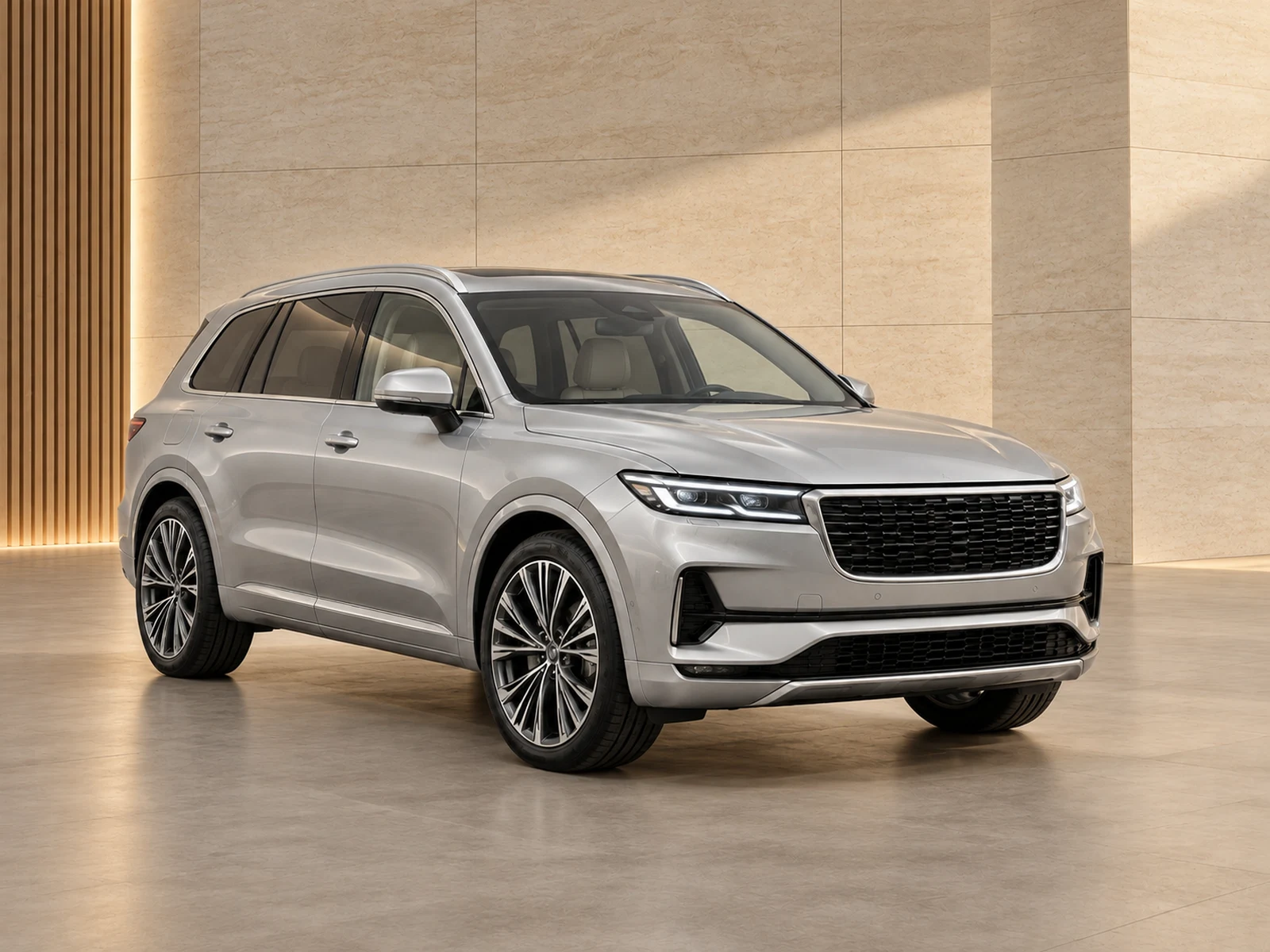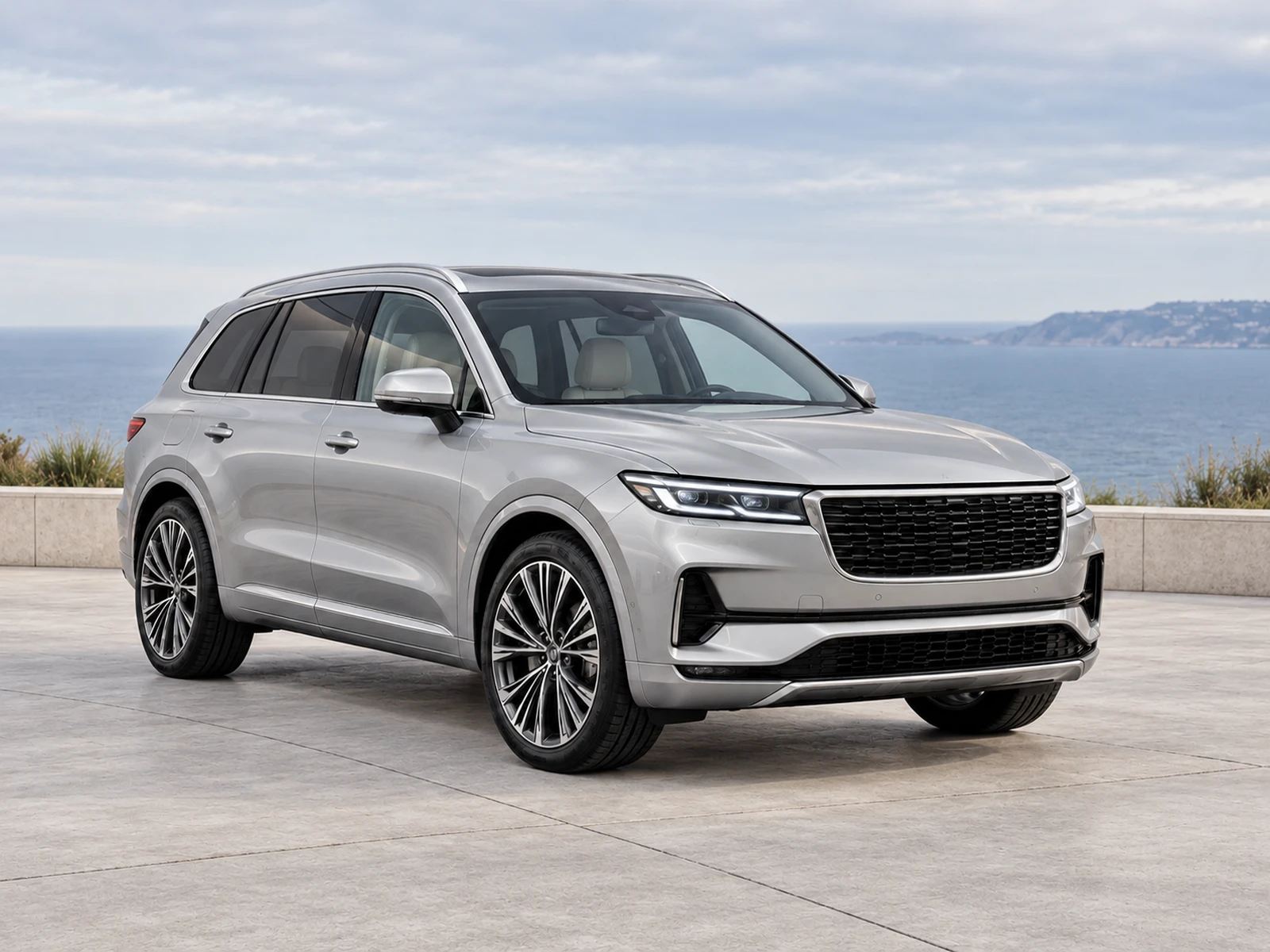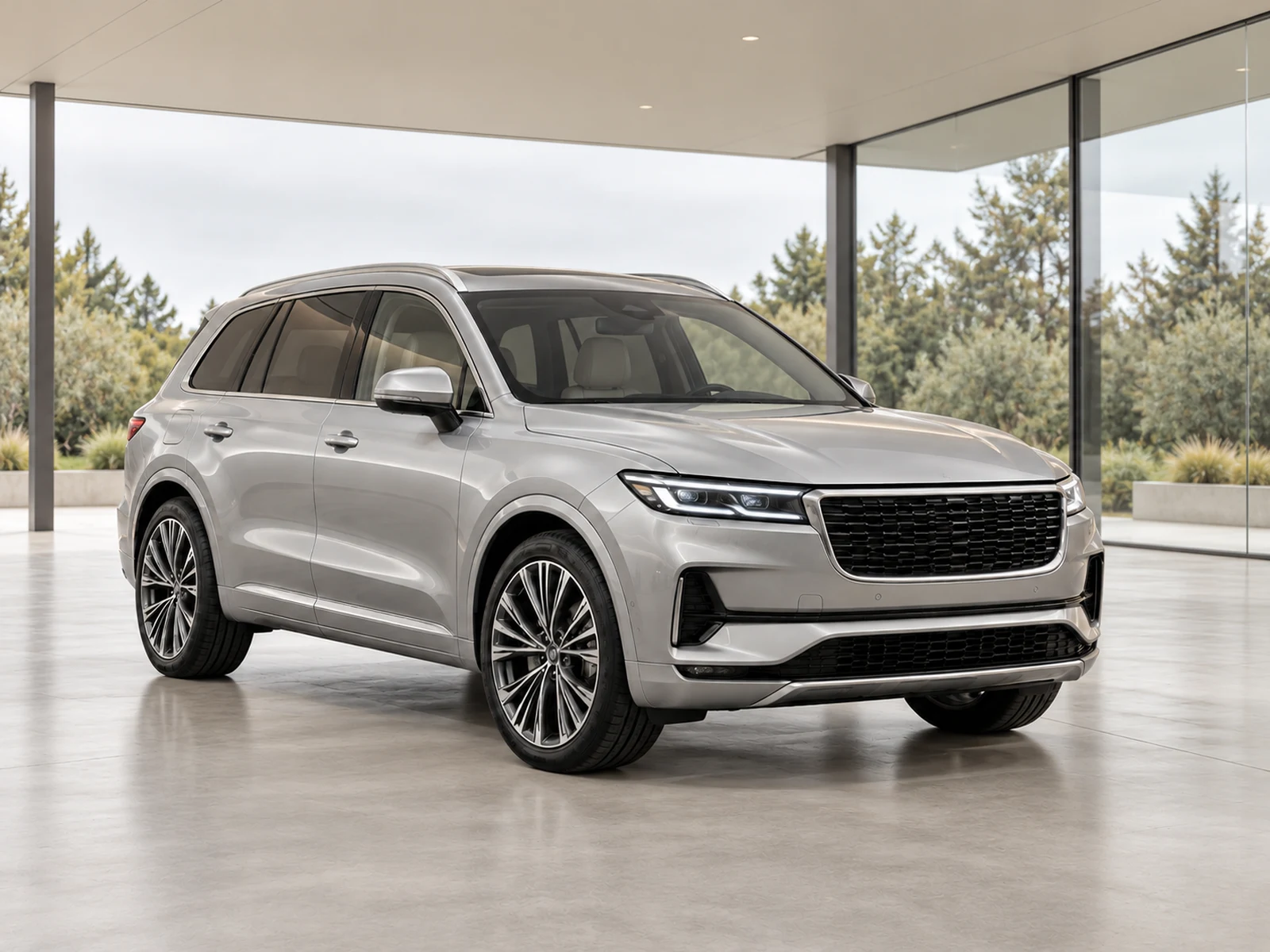
Cabin photographs answer questions that an exterior hero image cannot. Show the actual layout, materials and equipment clearly, with enough context for buyers to understand what they are seeing.
Capture the layout before the close-ups
Start with a view that explains the front cabin and steering-wheel position, then photograph the rear seating arrangement and relevant storage areas. Keep the camera level and avoid letting an ultra-wide lens stretch the nearest seat. The buyer should be able to relate later equipment close-ups to a real cabin rather than browse a disconnected set of dashboard details.
Make displays readable without inventing information
Change camera position to reduce glare on screens and glossy controls. Check the saved file to confirm that the information or feature you intend to show is actually visible. If a display is unreadable, capture another view rather than expecting an editor to reconstruct its contents. Keep any temporary private information out of the shot before photographing the cabin.
Preserve materials and condition
Leather, cloth, trim inserts and switches should keep their photographed colour and texture. Inspect bolster wear, scratches and other relevant condition details after any exposure adjustment. A brighter cabin is not necessarily a more accurate one if dark upholstery becomes grey or worn surfaces become smooth. Capture additional detail photographs where the overall view cannot explain a condition area.
Use the correct editing path
Mark cabin images as interior photographs. A virtual showroom is useful for exterior presentation, but should not replace the cabin’s surroundings or change equipment. Compare the edited result with the original at full size and check small controls as well as the seats. Publish the interior sequence in an order that helps buyers move from layout to equipment and then condition.
Your dealer checklist.
- Show the cabin layout before individual features.
- Reduce glare on screens during capture.
- Remove temporary private information.
- Compare materials and wear after editing.
- Mark cabin images as Interior in the workflow.
Common questions.
Should the cabin be made brighter than it was?
Use restrained corrections that improve readability while preserving material colour and visible condition. Avoid treating brightness as the only measure of quality.
Can one interior photograph prove every optional feature?
No. Use the stock record and specific, readable photographs of relevant equipment. Do not infer unavailable details from a general cabin view.
Put the next vehicle in a better setting.
Explore MotorBackdrop’s showrooms, prepare one sample and review your vehicle’s details before finishing the set.
Explore your next photo shoot ↗