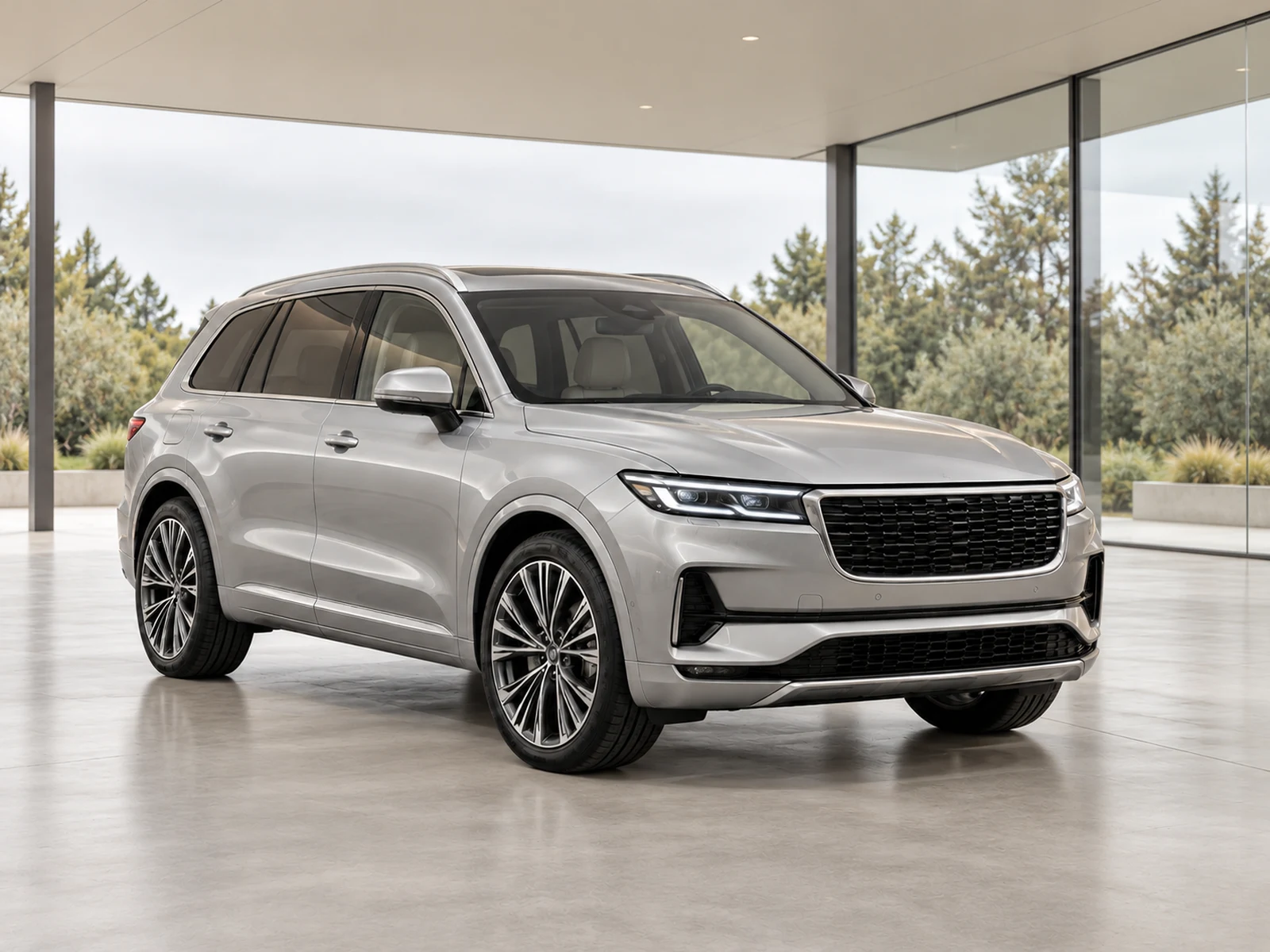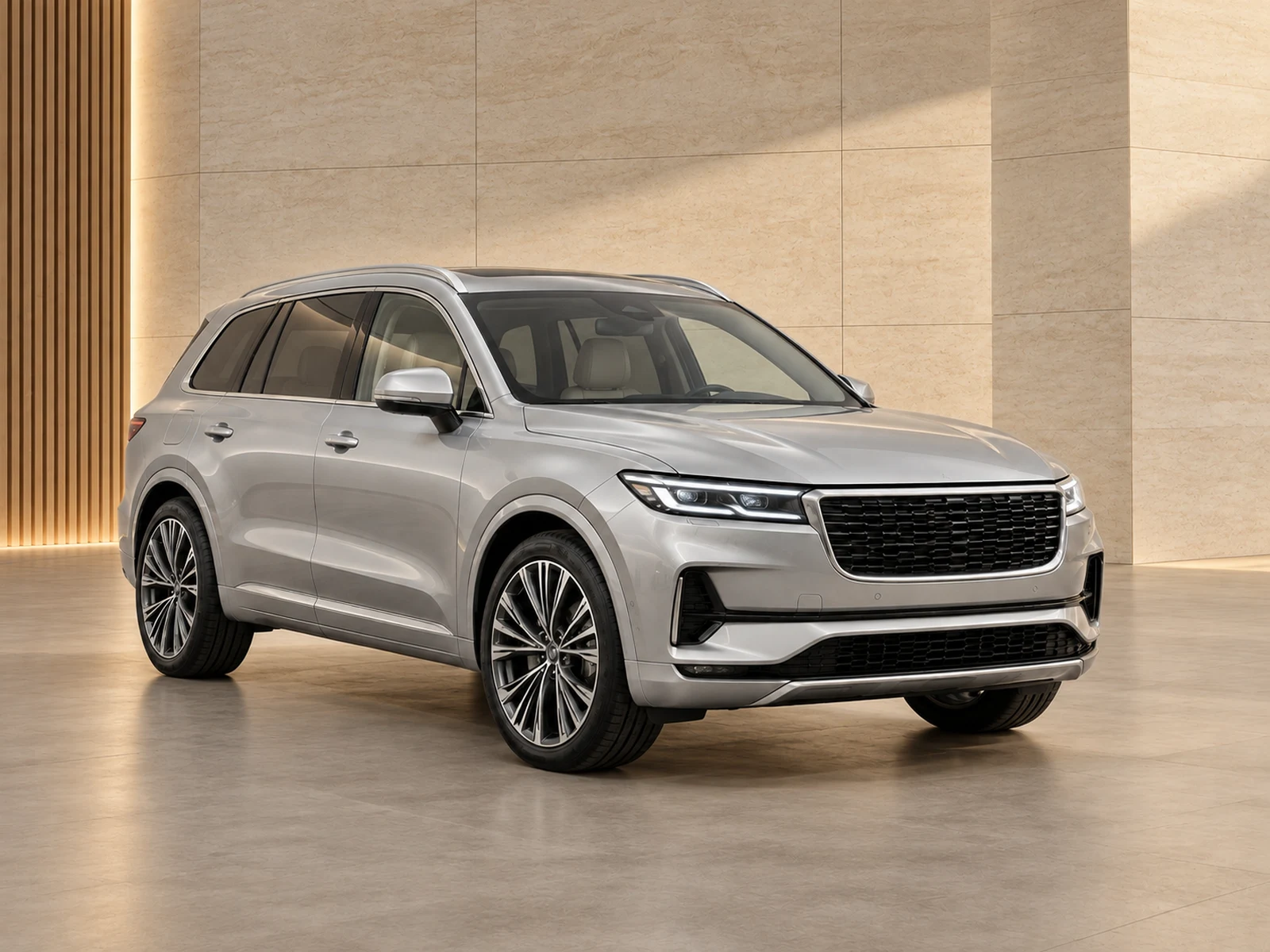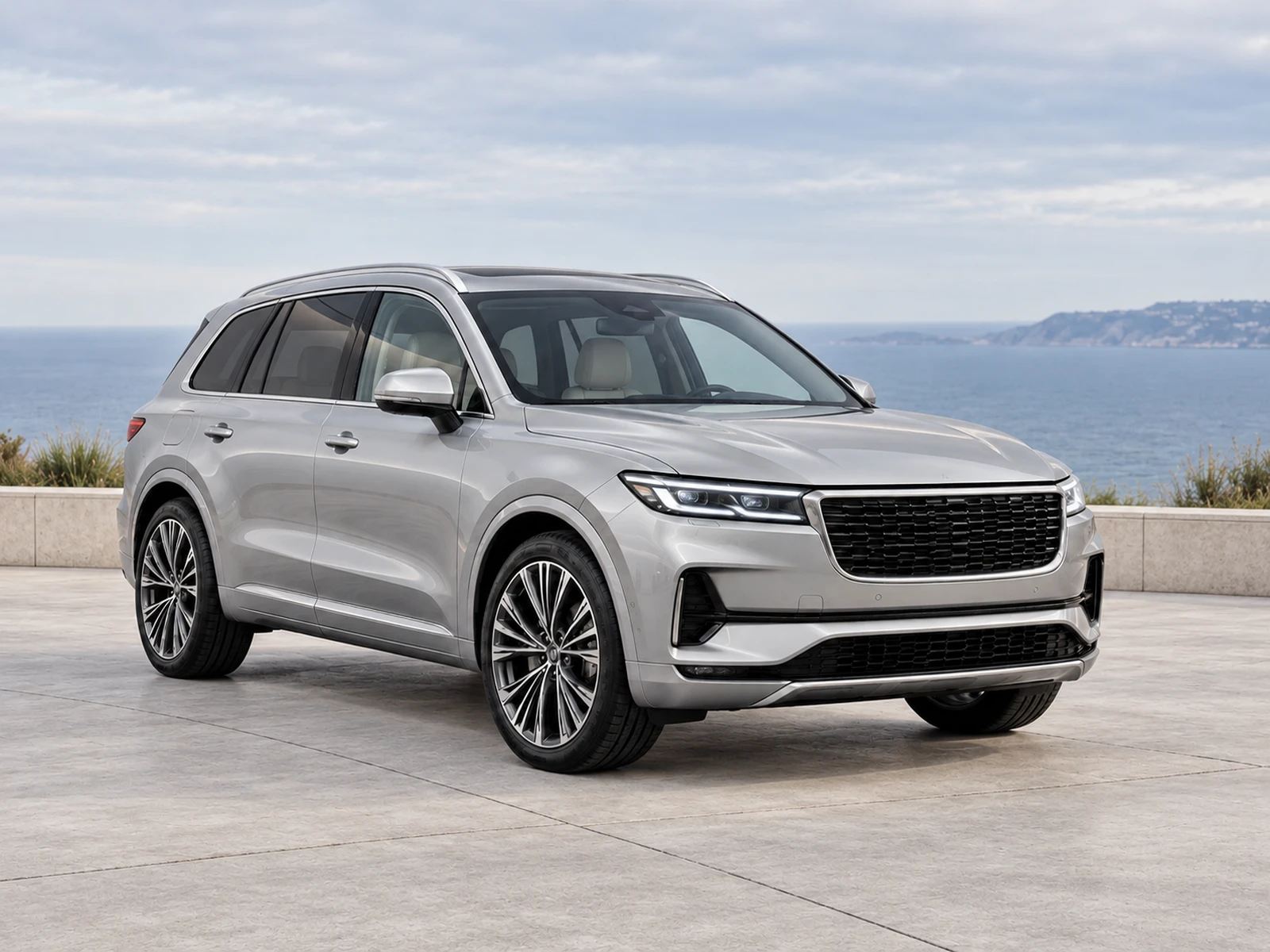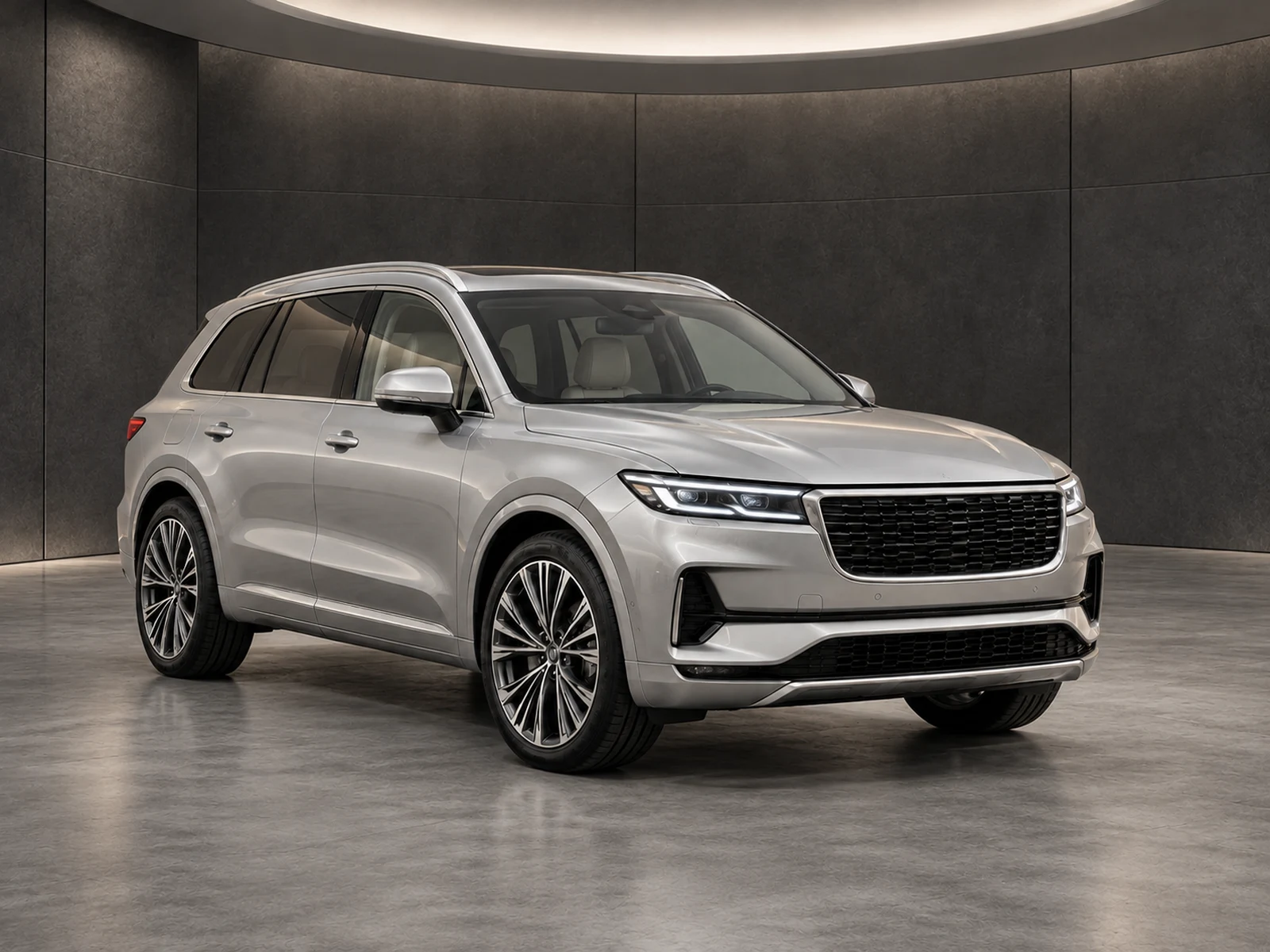
Black paint reveals reflections while hiding shape in deep shadow. A useful dealer photograph separates the body from its surroundings without turning the paint grey or inventing highlight detail.
Choose a broad, soft light source
Work under bright overcast conditions or in a bay with diffused light where possible. Small intense lights can produce sharp reflections that compete with body lines. Walk around the vehicle before taking the set and look at how the doors, bonnet and rear quarter read from the intended angles. A small position change may improve shape more than a large exposure adjustment.
Keep shadow information in the source
Check dark grille sections, tyres and lower panels before moving on. If every dark surface collapses into one black area, the source will be difficult to review after editing. Adjust exposure carefully while keeping bright reflections below an unreadable white patch. Use a separate detail view when an equipment feature remains hidden rather than expecting background replacement to reveal it.
Test separation against your showroom
A dark room can be attractive but may merge with the vehicle’s outline. Compare a neutral mid-tone studio and a lighter environment using the same source. Inspect the roof edge, mirrors and tyres at thumbnail size. The room should support the car’s shape without adding false reflections or changing the photographed wheel design.
Check paint after the edit
Open the original and edited image side by side. Neutral exposure improvements should not turn black paint blue, grey or brown. Check the continuity of body lines through reflections and look for halos along glass and mirrors. If the source itself is difficult to interpret, capture another view before deciding whether the edit has preserved the vehicle accurately.
Your dealer checklist.
- Use soft light instead of sharp point reflections.
- Retain information in lower body panels and tyres.
- Compare light and mid-tone showroom options.
- Inspect silhouette edges at thumbnail size.
- Check that the paint still reads as black.
Common questions.
Should I brighten every black-car photo?
Brighten only enough to make relevant details readable while preserving the paint and scene. Excessive lifting can flatten the image and misrepresent colour.
Is a dark showroom unsuitable for black vehicles?
Not automatically. Test edge separation and readable trim with your own source; a preview of a silver vehicle cannot answer that question.
Put the next vehicle in a better setting.
Explore MotorBackdrop’s showrooms, prepare one sample and review your vehicle’s details before finishing the set.
Explore your next photo shoot ↗