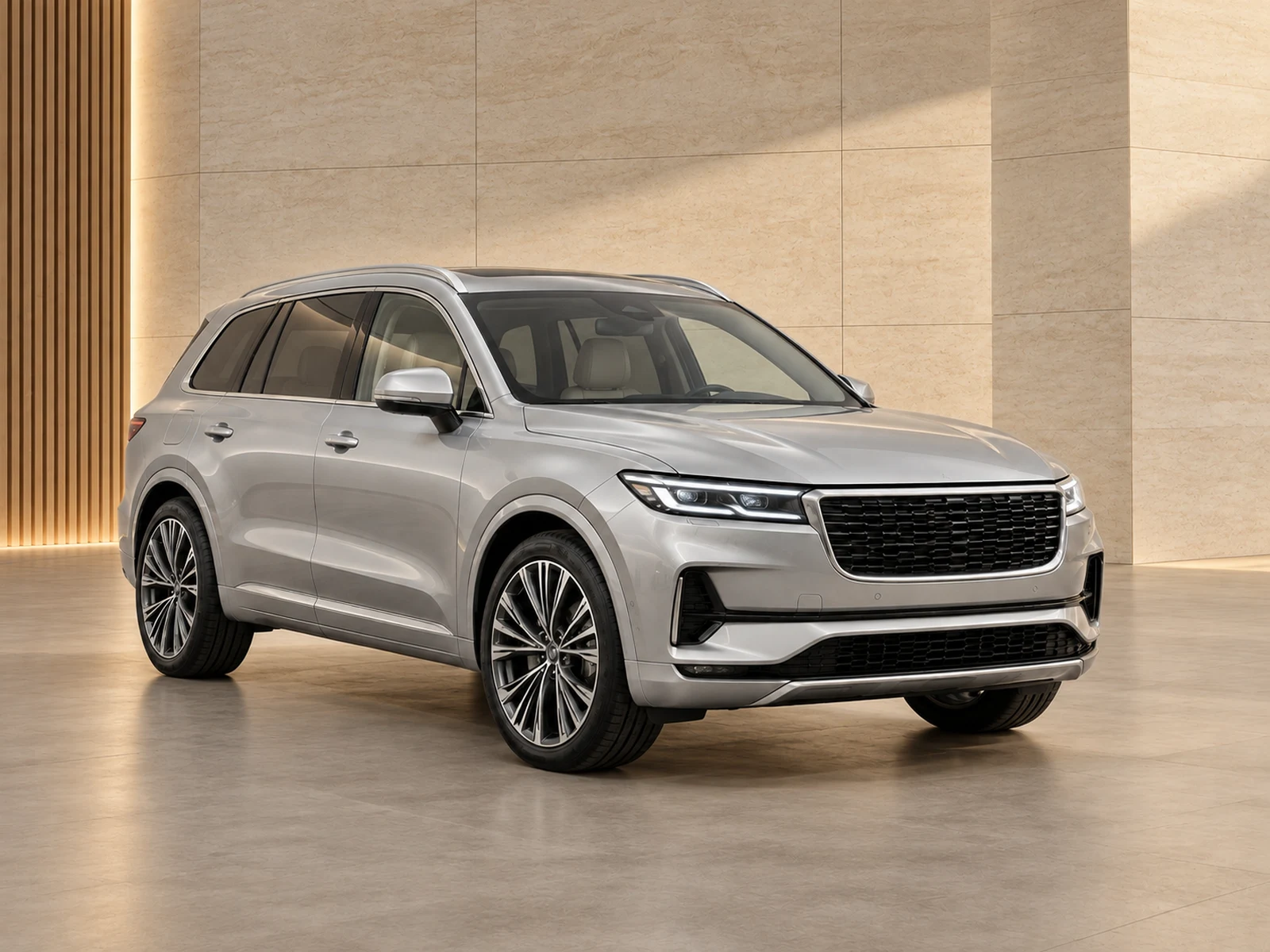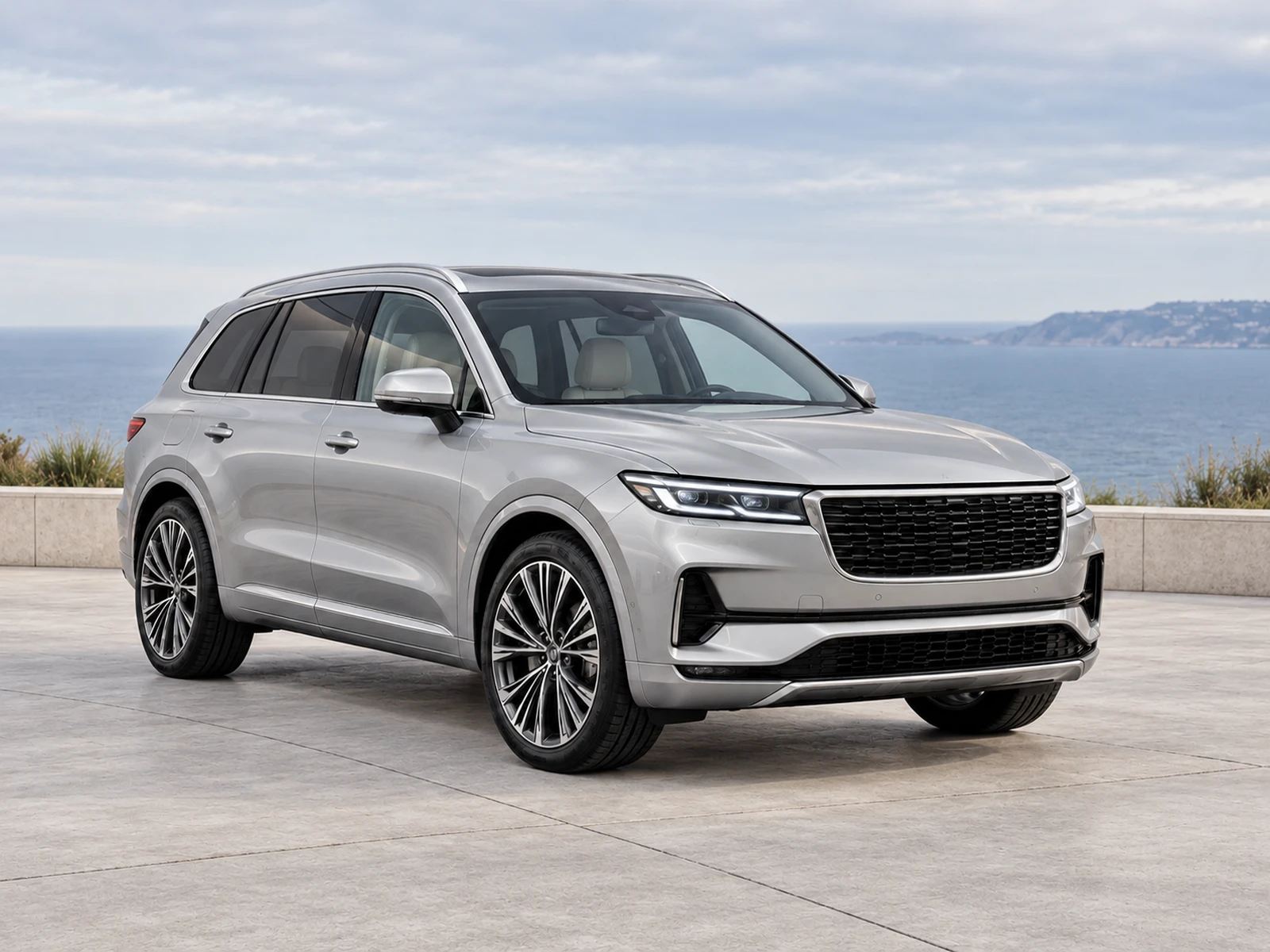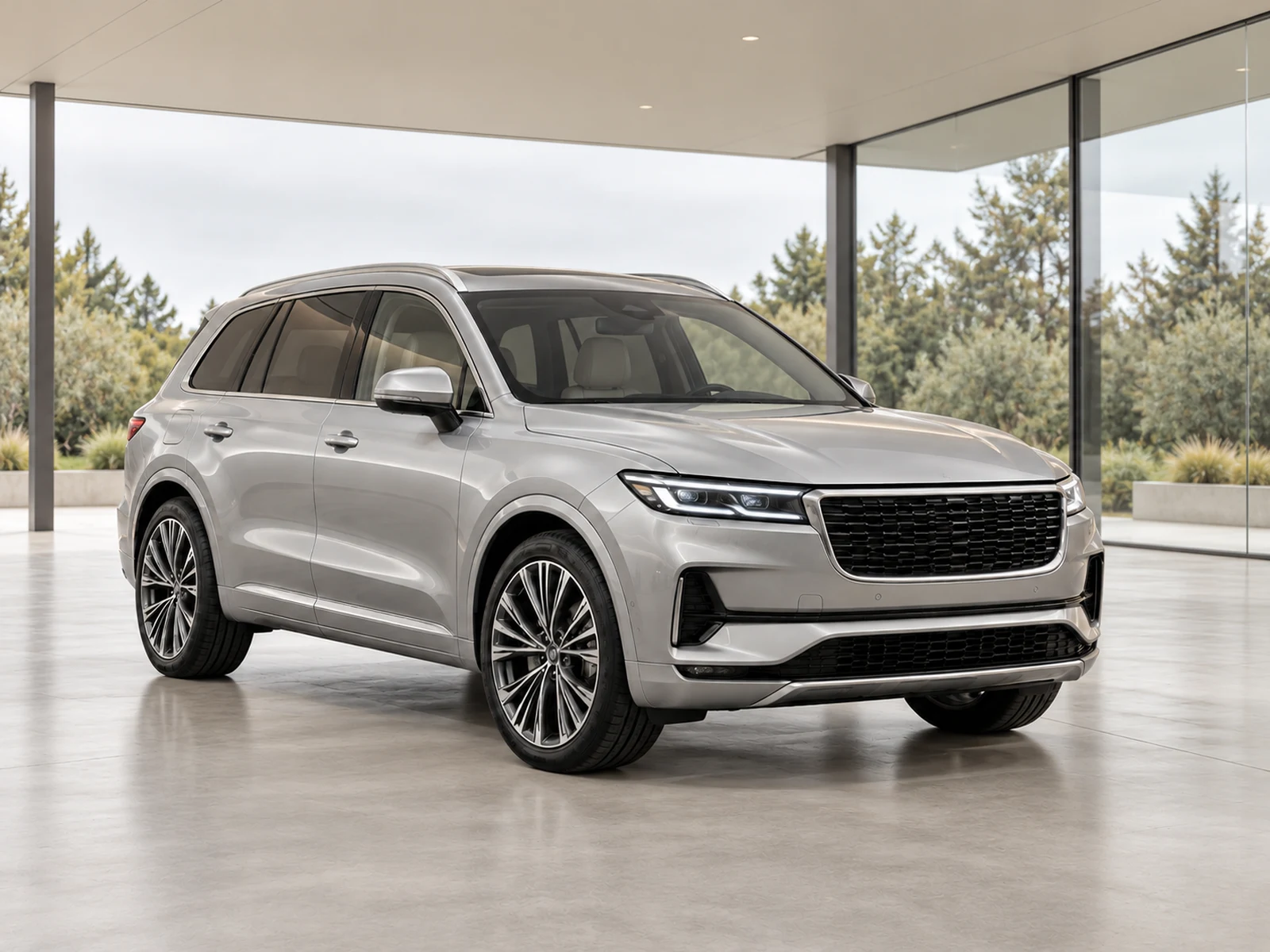
Reflections are part of photographing glossy paint and glass. Reduce avoidable distractions during capture while preserving the surfaces and equipment buyers need to inspect.
Look behind the camera
A reflection may come from a sign, coloured wall or stock vehicle outside the photographed frame. Inspect what the car is reflecting before changing camera settings. Move the vehicle or photographer slightly to reduce a strong distraction. The best fix often happens in the bay, where you can control the source of the reflection without altering any vehicle detail.
Choose surroundings that do not compete
Keep large bright signs and busy rows of vehicles away from the main reflection angles. For side views, watch long straight reflections across doors and glass. For front three-quarter views, check the bonnet and windscreen. A clean bay does not need to be an empty building, but its largest reflected shapes should be less distracting than the car itself.
Treat cabin glare as a capture problem
Screen and window glare can obscure controls, seat material and equipment. Change your position, soften the light or photograph another view before relying on editing. Avoid treating a reconstructed display as proof of a feature. Record the actual cabin clearly and use conservative exposure adjustments to improve readability without inventing content behind a bright reflection.
Review reflections after background replacement
A new environment should still look coherent with the car’s visible surfaces. Check for strong reflections that contradict the setting, painted areas that look artificially smooth and glass that has lost interior detail. Not every original reflection needs to disappear. The goal is a believable listing image that remains faithful to the photographed vehicle.
Your dealer checklist.
- Inspect what sits behind the camera.
- Move strong signs and bright clutter out of reflection angles.
- Retake cabin views obscured by glare.
- Keep visible interior information intact.
- Check reflection plausibility in the edited setting.
Common questions.
Should all reflections be removed?
No. Reflections help describe glossy surfaces. Remove avoidable distractions during capture rather than trying to make the car look unrealistically reflection-free.
Can a polarising filter help?
It may change some reflections, but its effect varies with angle and surface. Test it on your actual workflow and inspect glass, screens and paint before adopting it.
Put the next vehicle in a better setting.
Explore MotorBackdrop’s showrooms, prepare one sample and review your vehicle’s details before finishing the set.
Explore your next photo shoot ↗