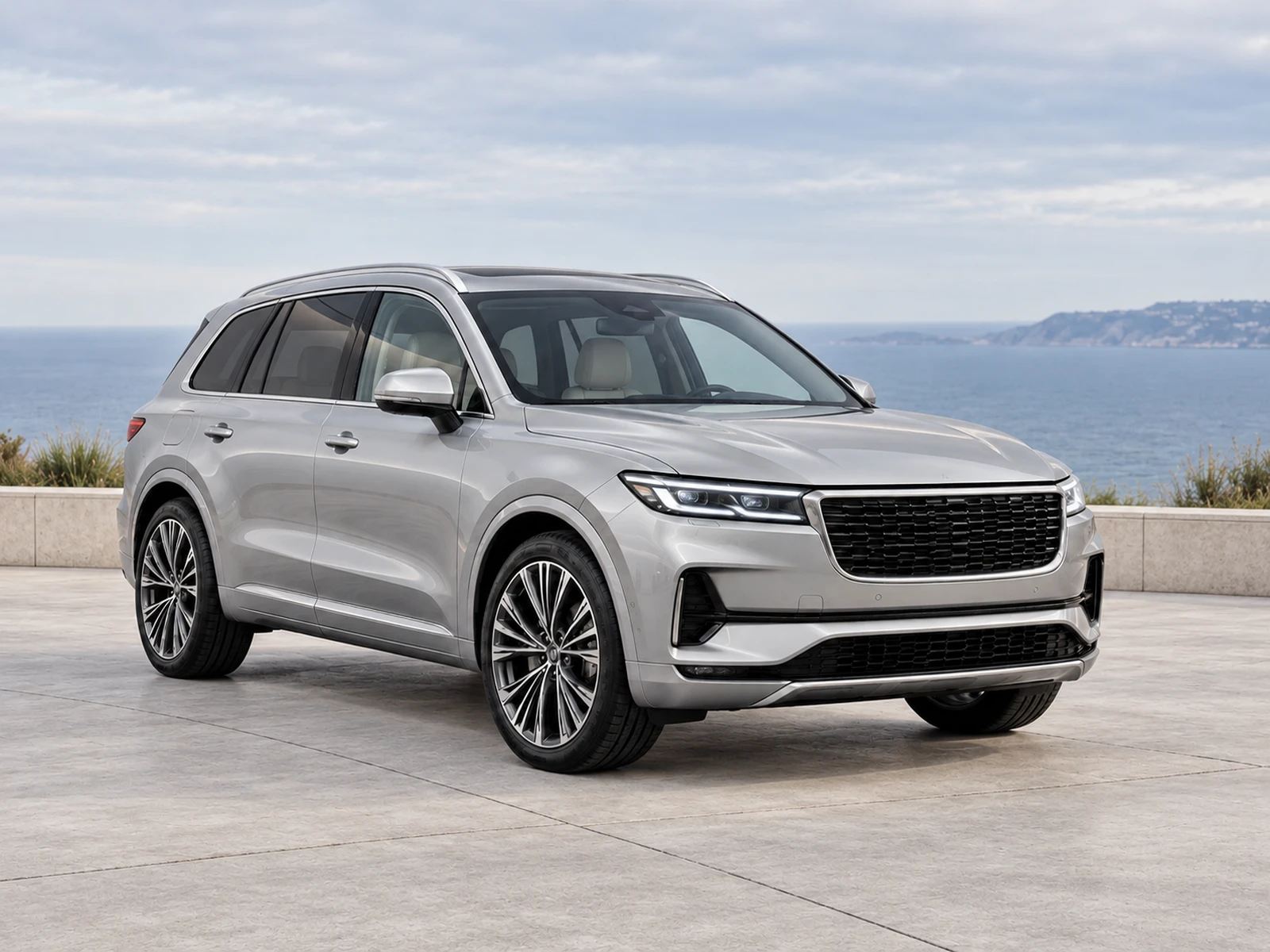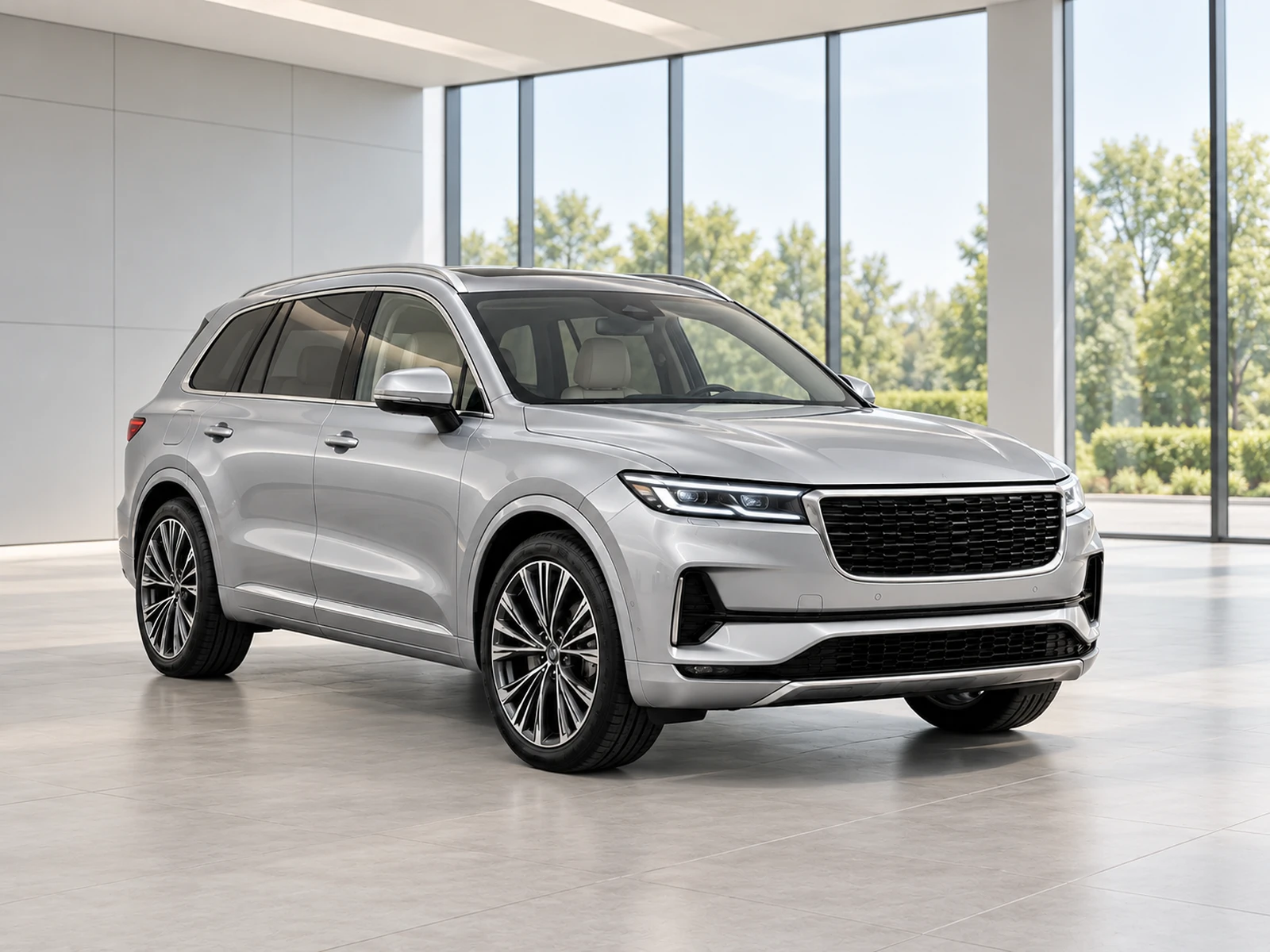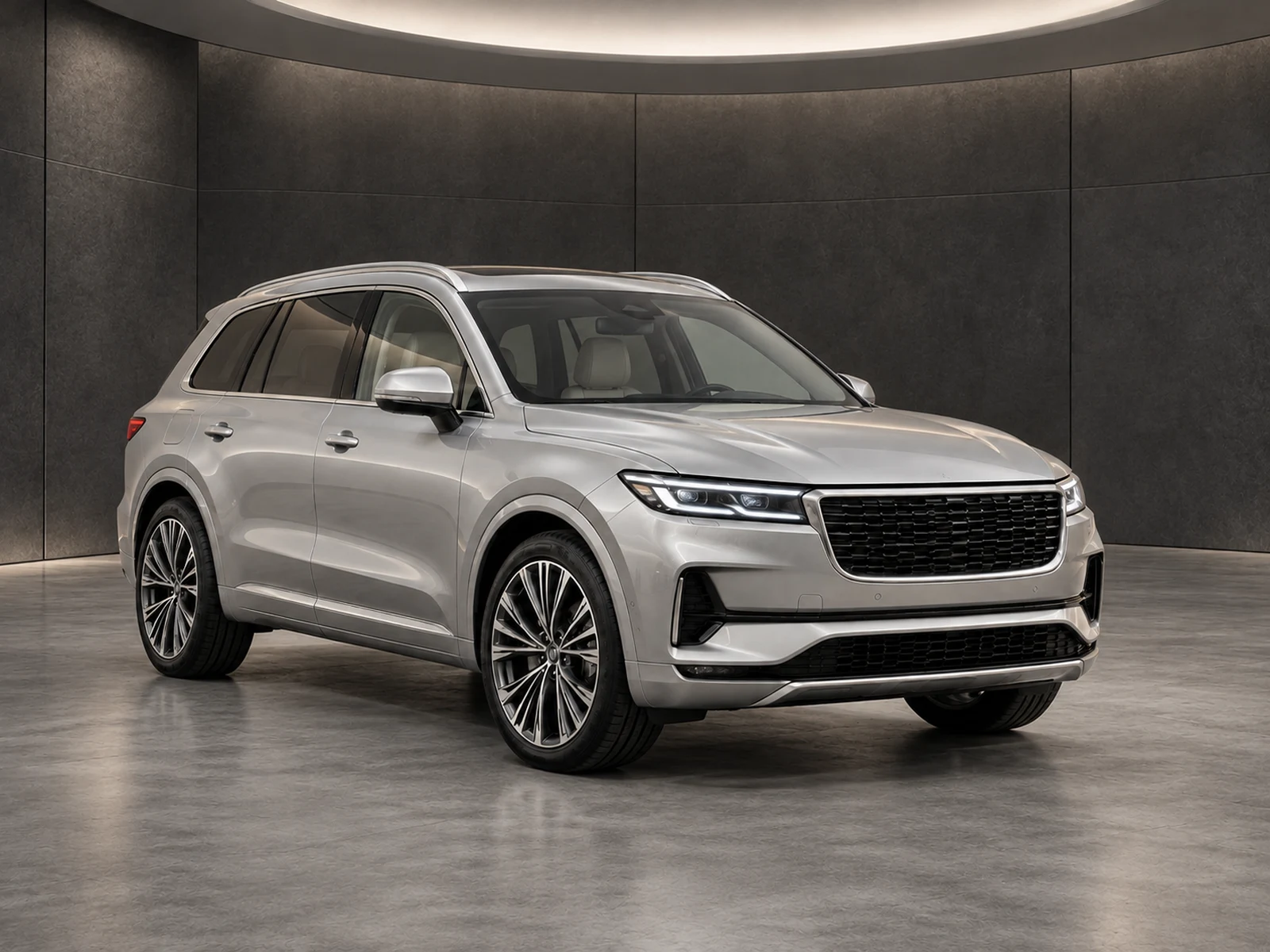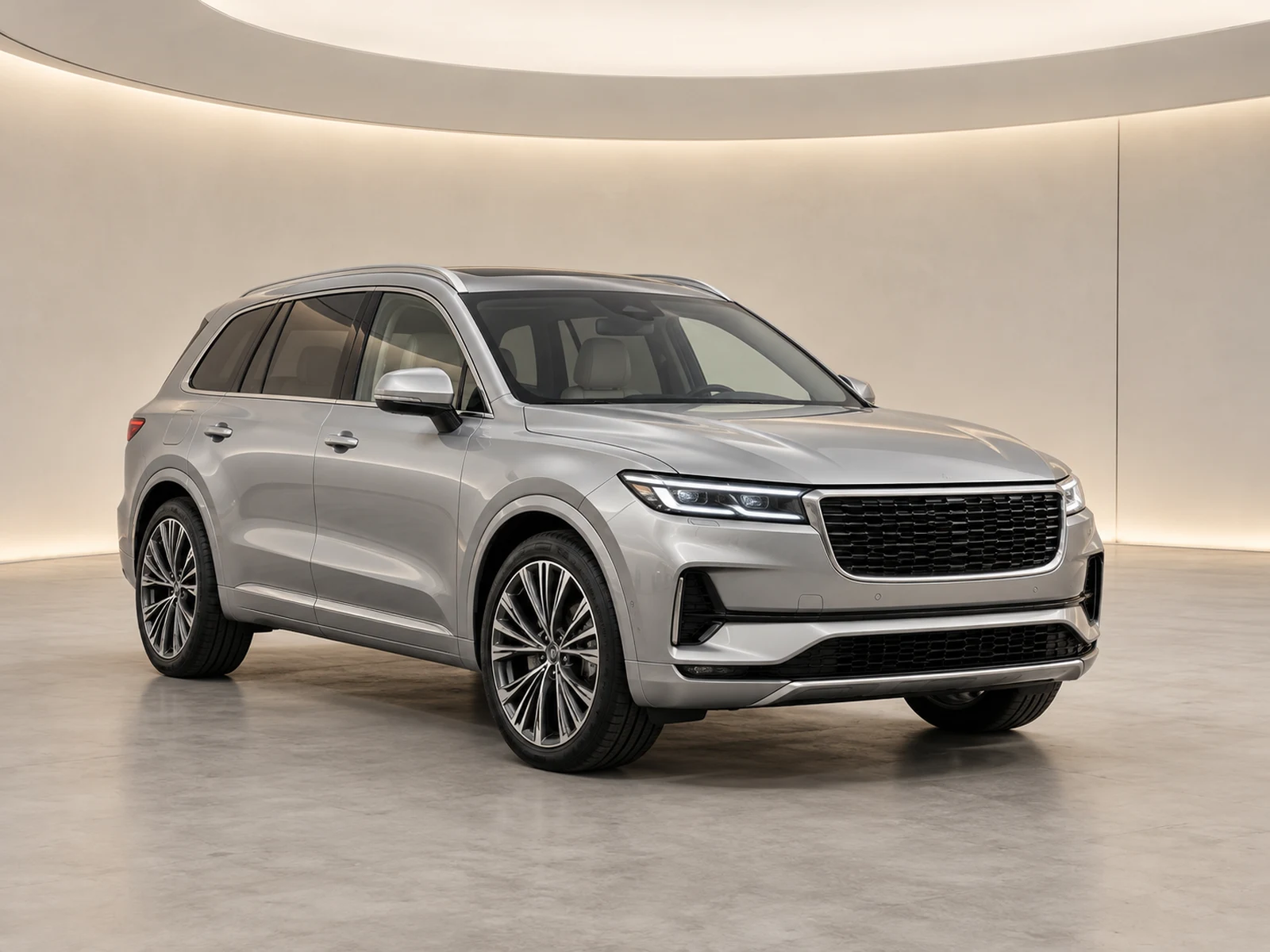
A dealer logo should identify the business without becoming the subject of the image. Choose a repeatable placement rule and test it against the vehicles and backgrounds your team actually uses.
Begin with a usable logo file
Use a clean source logo with sufficient resolution and, where suitable, a transparent background. Check the mark against both light and dark showroom areas before saving it. A logo designed for a letterhead may be unreadable at listing-thumbnail size. Keep an approved image version available to the team rather than allowing each photographer to upload a different export.
Protect the vehicle’s evidence
Place the logo in a quiet area of the frame, away from equipment and condition details. Check the selected corner on a front, side and rear view; an empty corner in one photograph may contain a mirror or roofline in another. The correct choice is not simply whichever position makes the mark largest. Buyers still need an unobstructed view of the stock.
Review the final presentation size
Inspect the downloaded image and the destination thumbnail. A logo that looks restrained on a large monitor can become crowded when a platform applies its own crop. Avoid using the overlay as a substitute for sensible capture margins. If the destination reserves space for its own controls or labels, test the real listing before making that corner your organisation’s default.
Keep branding changes traceable
Save the logo preference with the showroom style so the team can repeat the decision. When branding changes, treat new generations and historical published photos separately. Check which assets need replacement instead of assuming a new uploaded logo rewrites every old result. Keep the original vehicle photograph available throughout the transition so the updated presentation can still be reviewed for accuracy.
Your dealer checklist.
- Keep one approved logo source.
- Test contrast on pale and dark settings.
- Avoid covering mirrors, bodywork or condition details.
- Check the actual listing thumbnail.
- Review historical assets when branding changes.
Common questions.
Should the logo be as large as possible?
No. It should remain recognisable while preserving a clear view of the vehicle. Test the size your destination actually displays.
Will the AI generate the dealer logo?
MotorBackdrop composites the saved logo after generation. The mark is not requested as an invented part of the vehicle or showroom scene.
Put the next vehicle in a better setting.
Explore MotorBackdrop’s showrooms, prepare one sample and review your vehicle’s details before finishing the set.
Explore your next photo shoot ↗