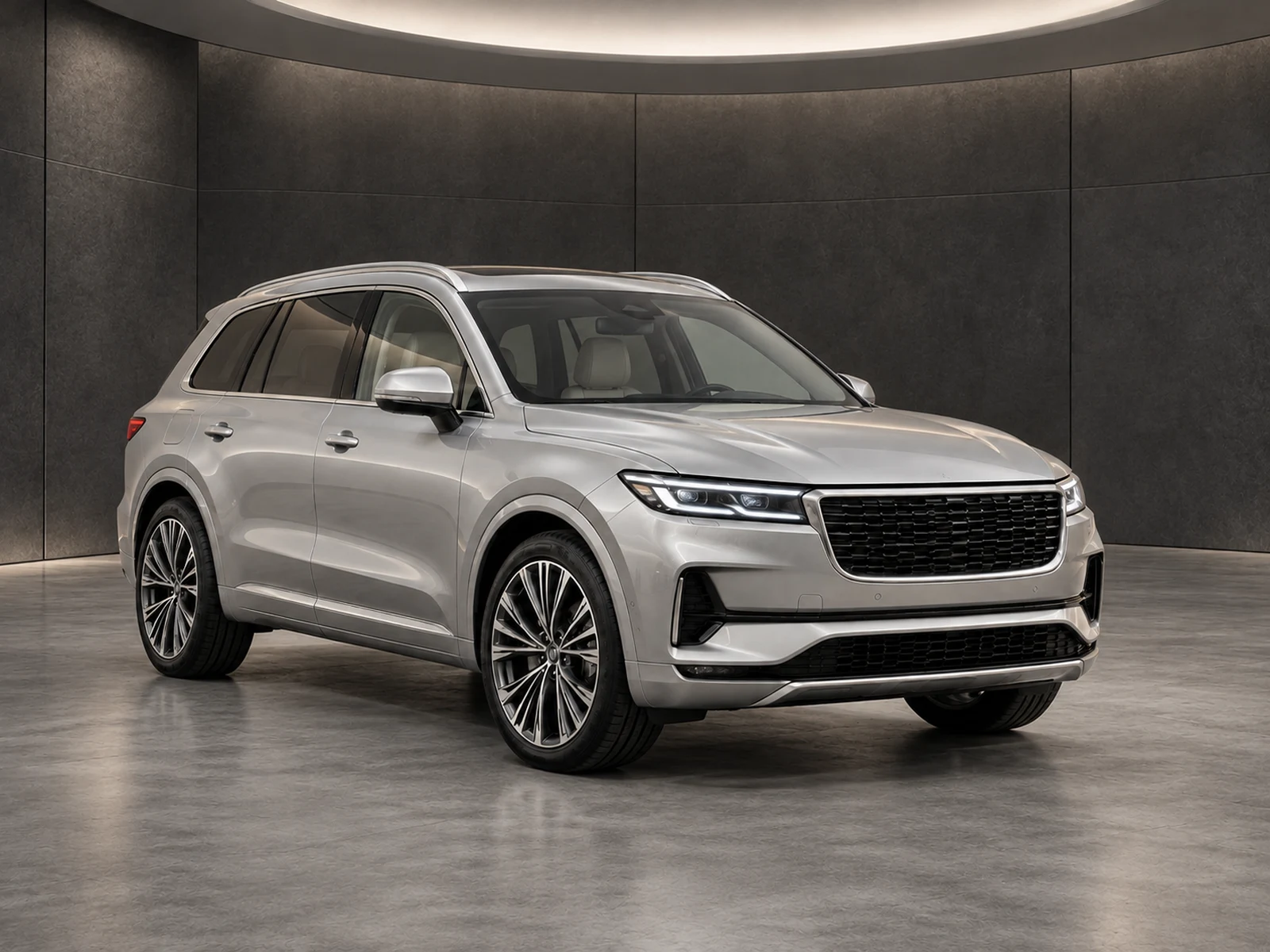
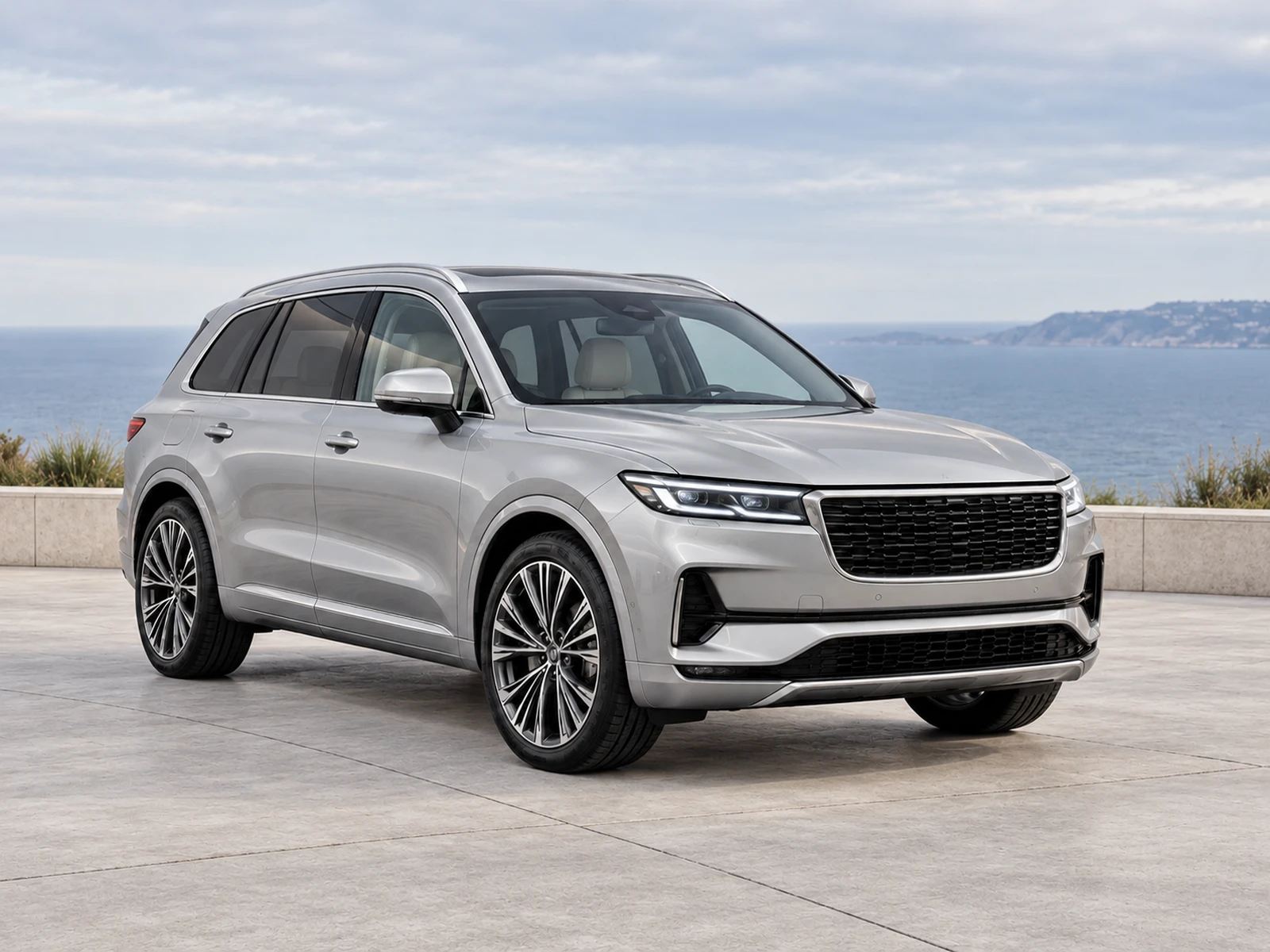
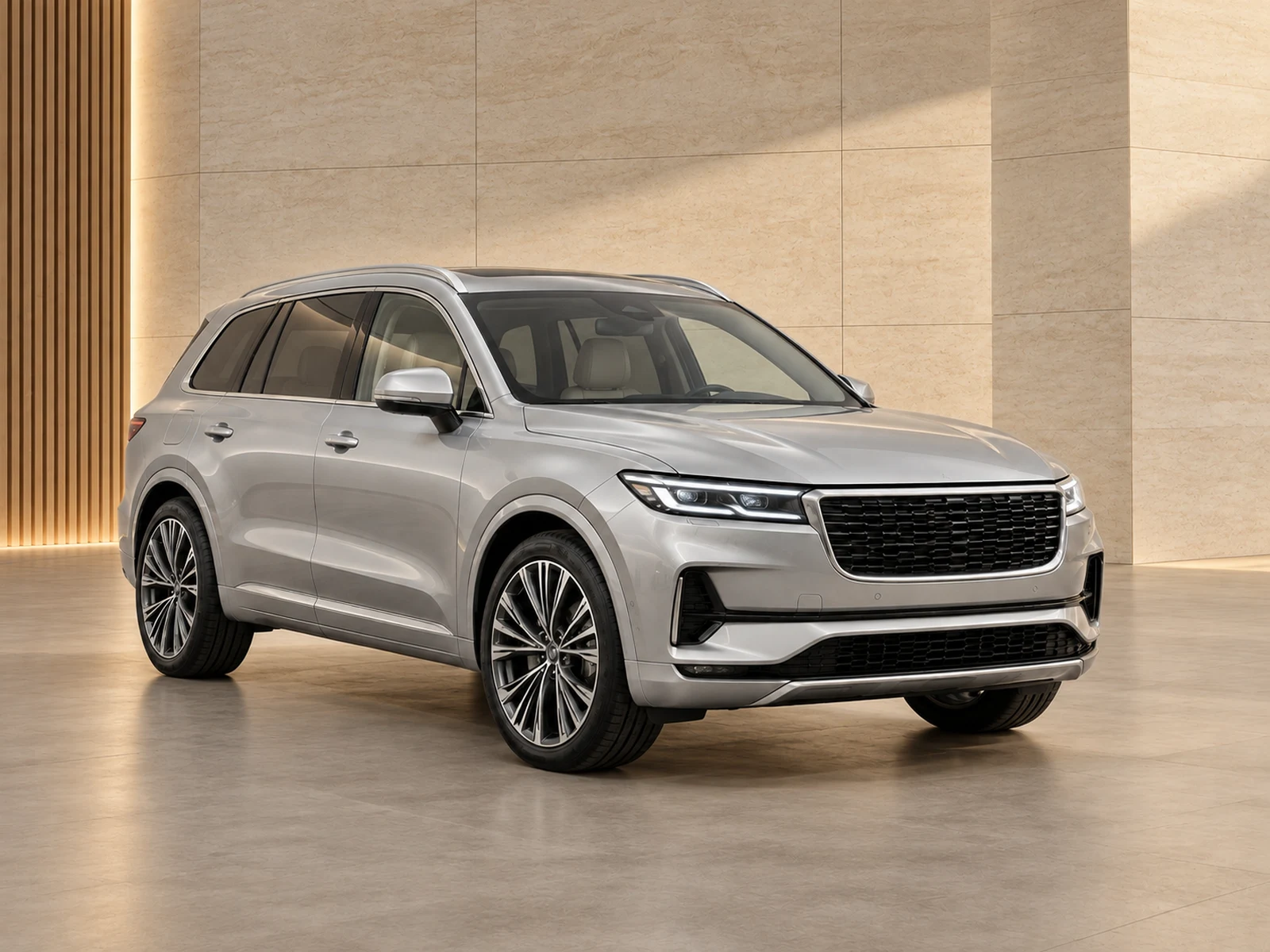
Build a photo collection that belongs to your dealership. Keep the showroom, framing and logo placement consistent, with explicit control over plate overlays and the final review.
Upload a clean dealer logo, ideally with a transparent background. Choose a corner before generation. MotorBackdrop applies the saved logo after the AI edit, helping keep the mark separate from the image-generation process.
Check the logo against both pale and dark settings. A brand mark should remain readable without covering the vehicle, equipment or condition details that buyers need.
02
Save the useful decisions.
A reusable style can hold your showroom, finish, framing and logo preference. Your team starts each project from the same set of choices instead of remembering which settings produced last week’s images.
Keep a small set of named styles with clear purposes. For example, one general stock style and one commercial-vehicle style are easier to govern than a growing list of near-identical presets.
03
Plate branding with visible control.
After generation, select the plate area on the edited image and add short dealer text or a plain overlay. Placement is manual: you choose the box rather than relying on an automatic guess.
Review the overlay in the final preview and download. Make sure it covers only the intended plate and does not obstruct adjacent grille, bumper or equipment details.
WORK IT INTO YOUR DAY
From your camera roll to a reviewed photo set.
Upload and check your organisation’s dealer logo.
Save a showroom style with a deliberate logo corner.
Generate and review the vehicle photo before adding plate presentation.
Check the exact plate box and export the finished photograph.
BEFORE YOUR FIRST SET
Your questions, answered.
Does the AI redraw my logo?
The saved logo is composited after generation, rather than being requested as part of the AI scene.
Does changing our logo update old photos?
Previously generated photos keep their saved appearance. Use the new logo on new generations and review existing assets before republishing.
Is plate detection automatic?
No. You position the overlay on the edited photograph so you can check the exact area being covered.