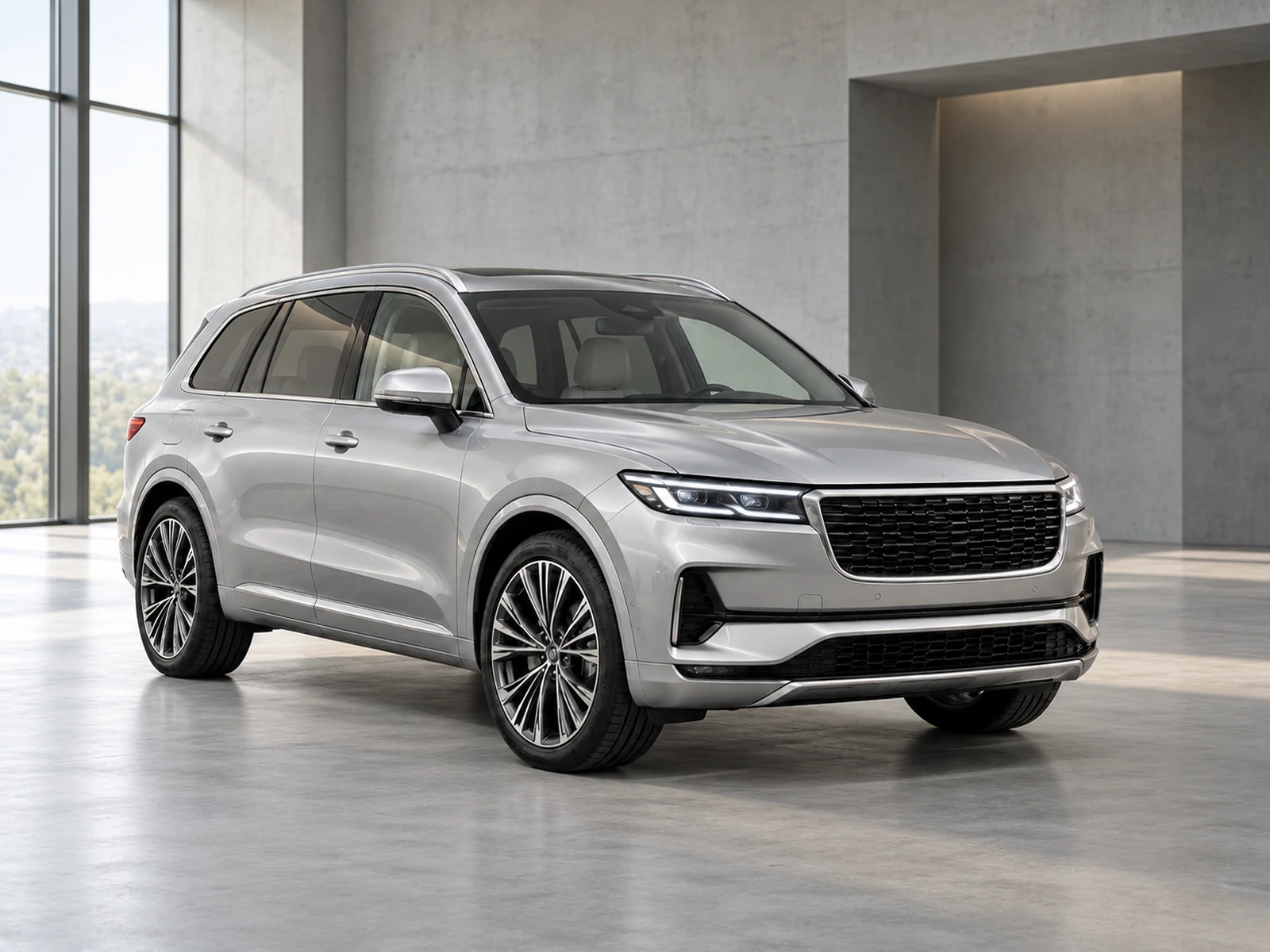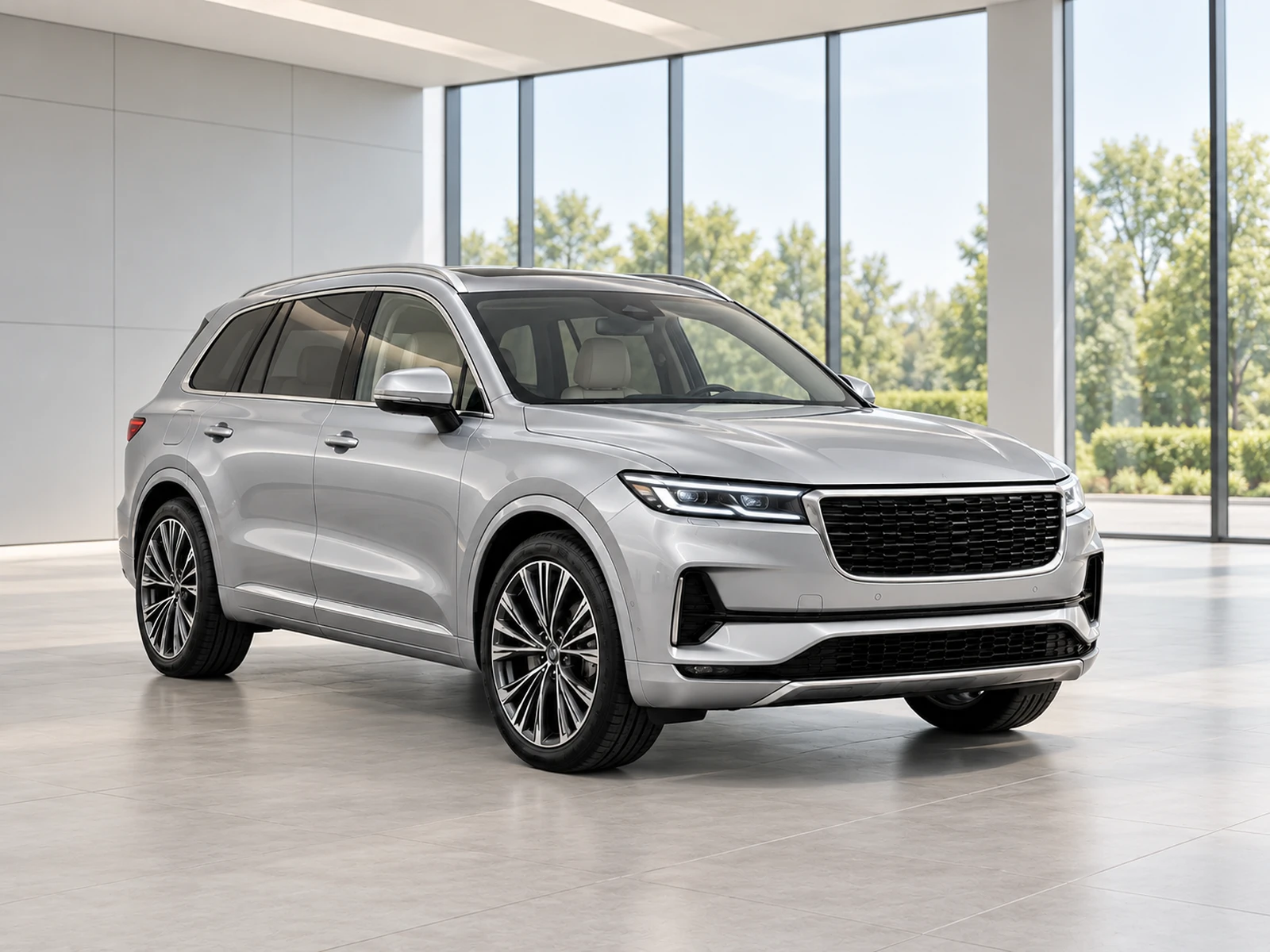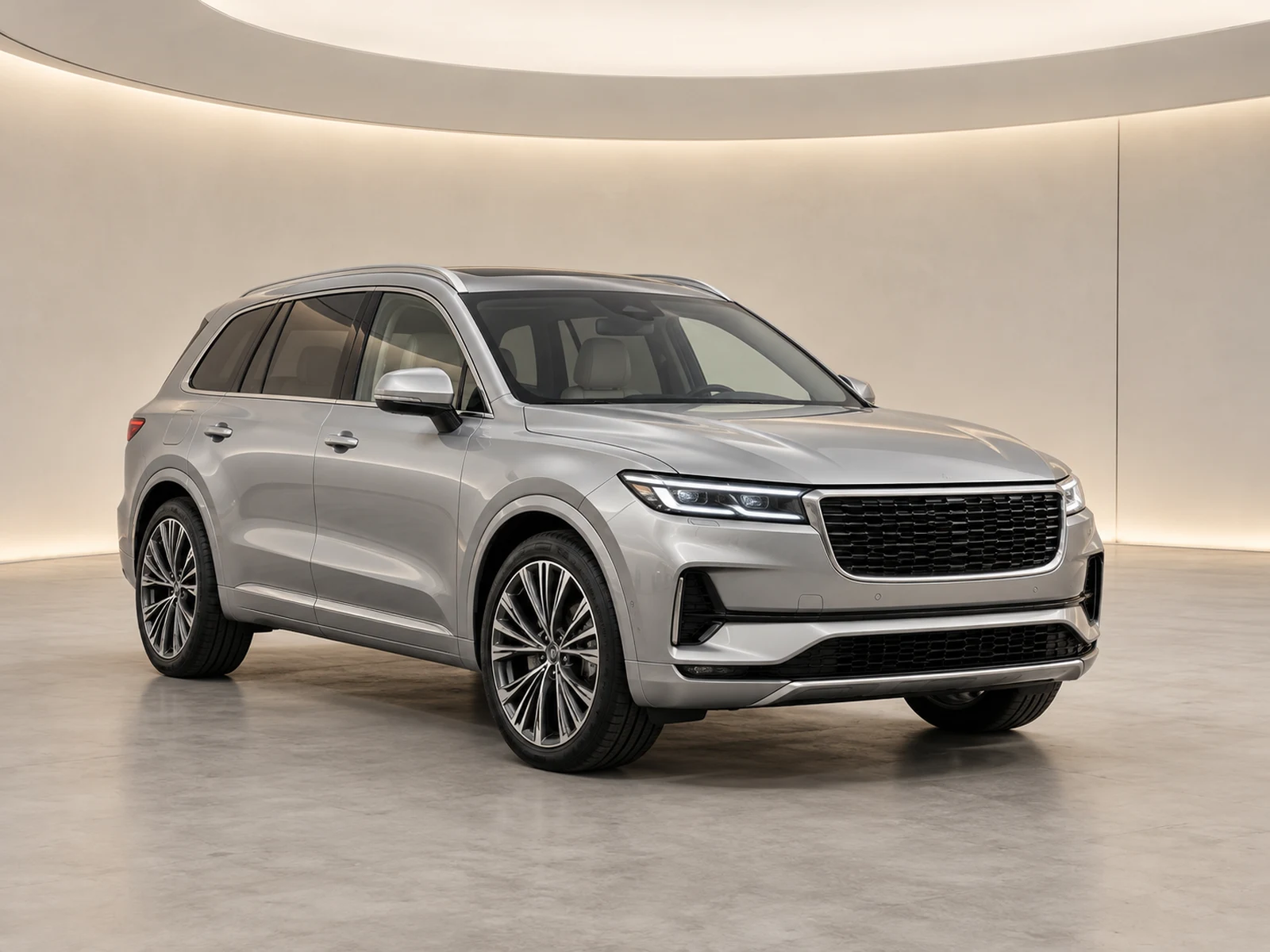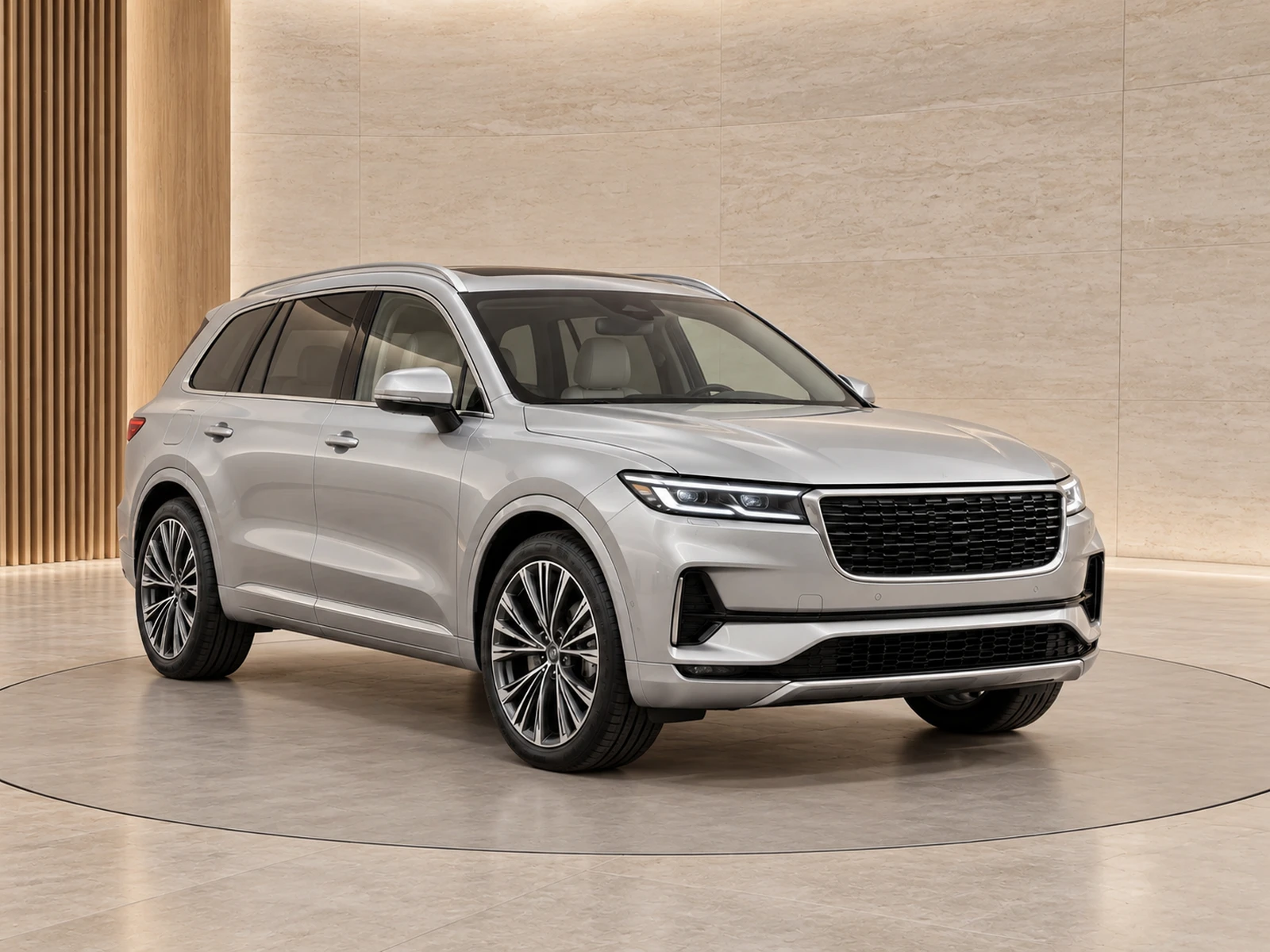
A style library should reduce decisions during a busy upload session. Give each saved style a clear job and a short approval process before it becomes part of the team’s routine.
Organise styles by use, not preference
Names such as Default stock, Large vans or Premium campaign explain when a colleague should choose a preset. Personal names and vague labels like Best studio do not. Start with the smallest library that covers your inventory. If two presets serve the same purpose with only a minor colour difference, test whether one can replace the other.
Save the whole presentation choice
A useful preset combines background, finish, framing and branding preference. Saving only a room name leaves the photographer to guess which crop and logo corner should accompany it. Document any condition that should override the preset, such as a source angle that cannot support close framing. Interior and detail photos should still use their appropriate handling.
Approve with a representative test set
Before sharing a preset, test light and dark vehicles and at least the main front, side and rear views. Compare originals to check equipment and condition, then inspect the gallery thumbnail. Keep the test evidence attached to an internal stock or demo project. A colleague should be able to understand why a preset was approved rather than relying on who created it.
Retire styles deliberately
Review the library when branding changes or an environment stops working for your stock. Hide or remove unused choices from new work while retaining the appearance of historical generated photos. Tell the team which preset replaces a retired style. Consistency improves when the live choices remain understandable, not when every experiment stays available indefinitely.
Your dealer checklist.
- Name presets after a clear business use.
- Save framing and logo choices with the room.
- Test contrasting vehicles and multiple angles.
- Record who approved the style.
- Retire duplicate or unused presets.
Common questions.
How many styles should a small dealer start with?
Use as few as cover the real differences in your stock. One strong default and a justified exception are easier to manage than many untested options.
Will a new preset alter old results?
No. Existing generated photographs retain their saved appearance. Use updated presets for new work and review old assets separately before republishing.
Put the next vehicle in a better setting.
Explore MotorBackdrop’s showrooms, prepare one sample and review your vehicle’s details before finishing the set.
Explore your next photo shoot ↗