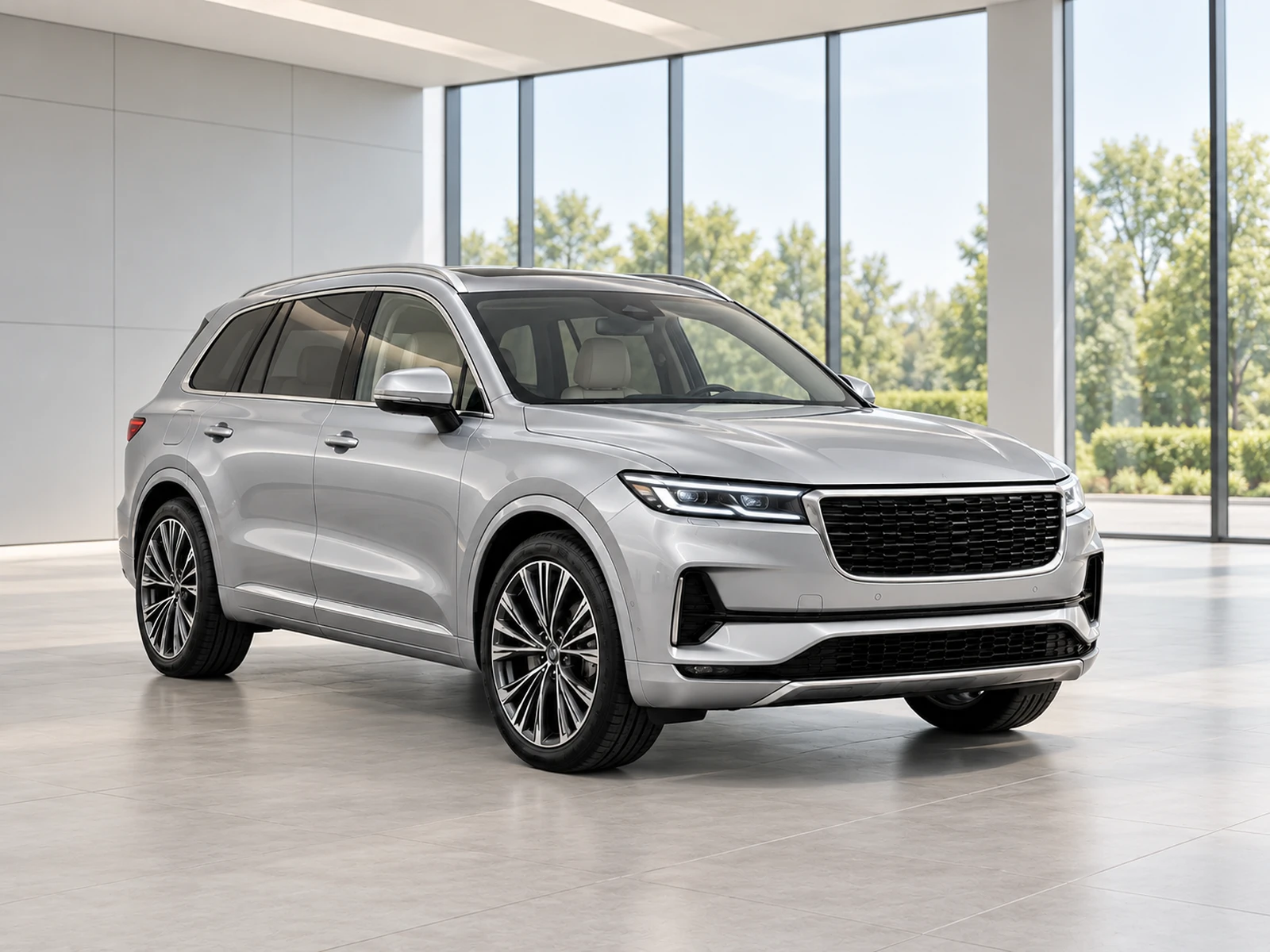
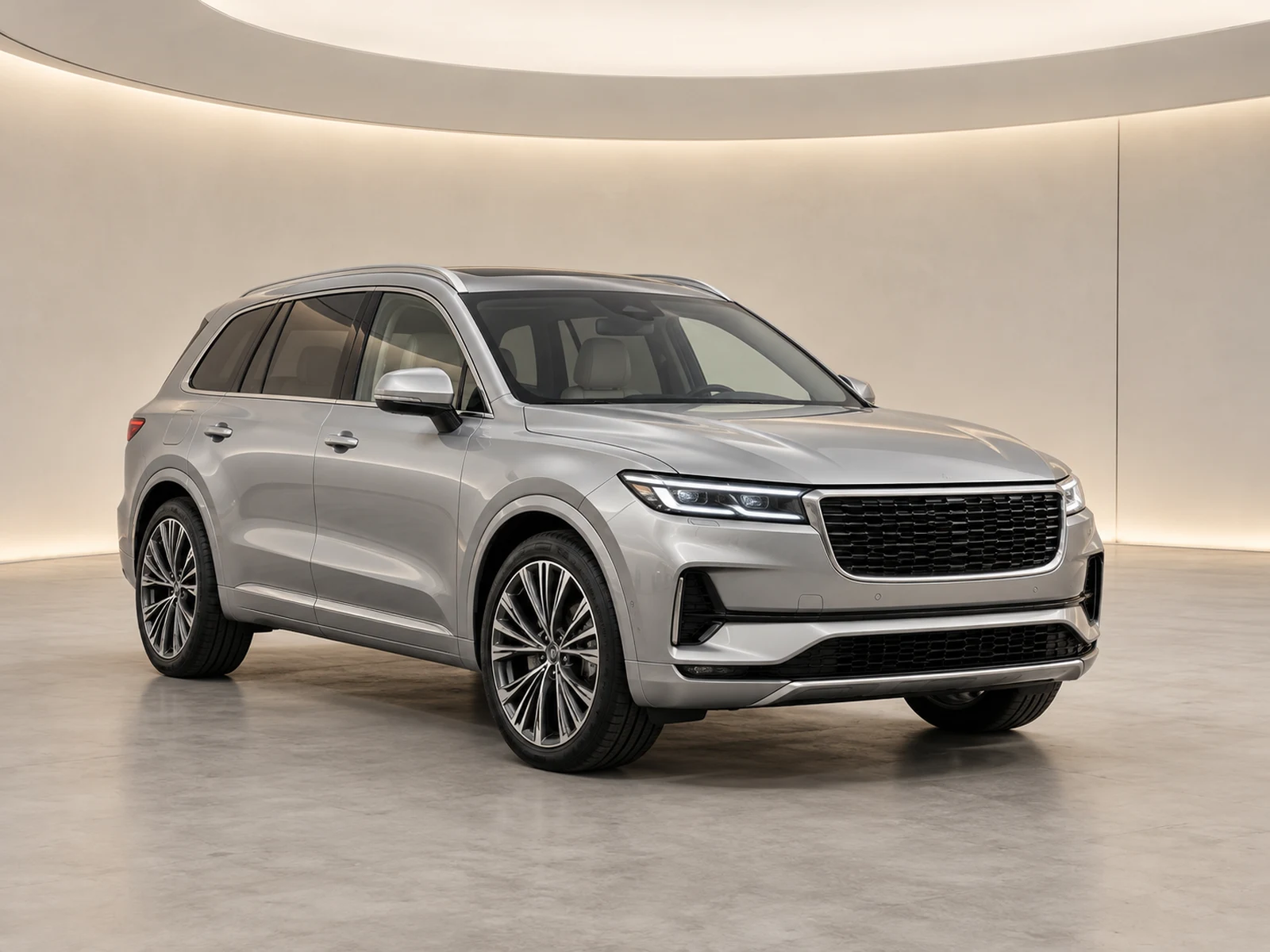
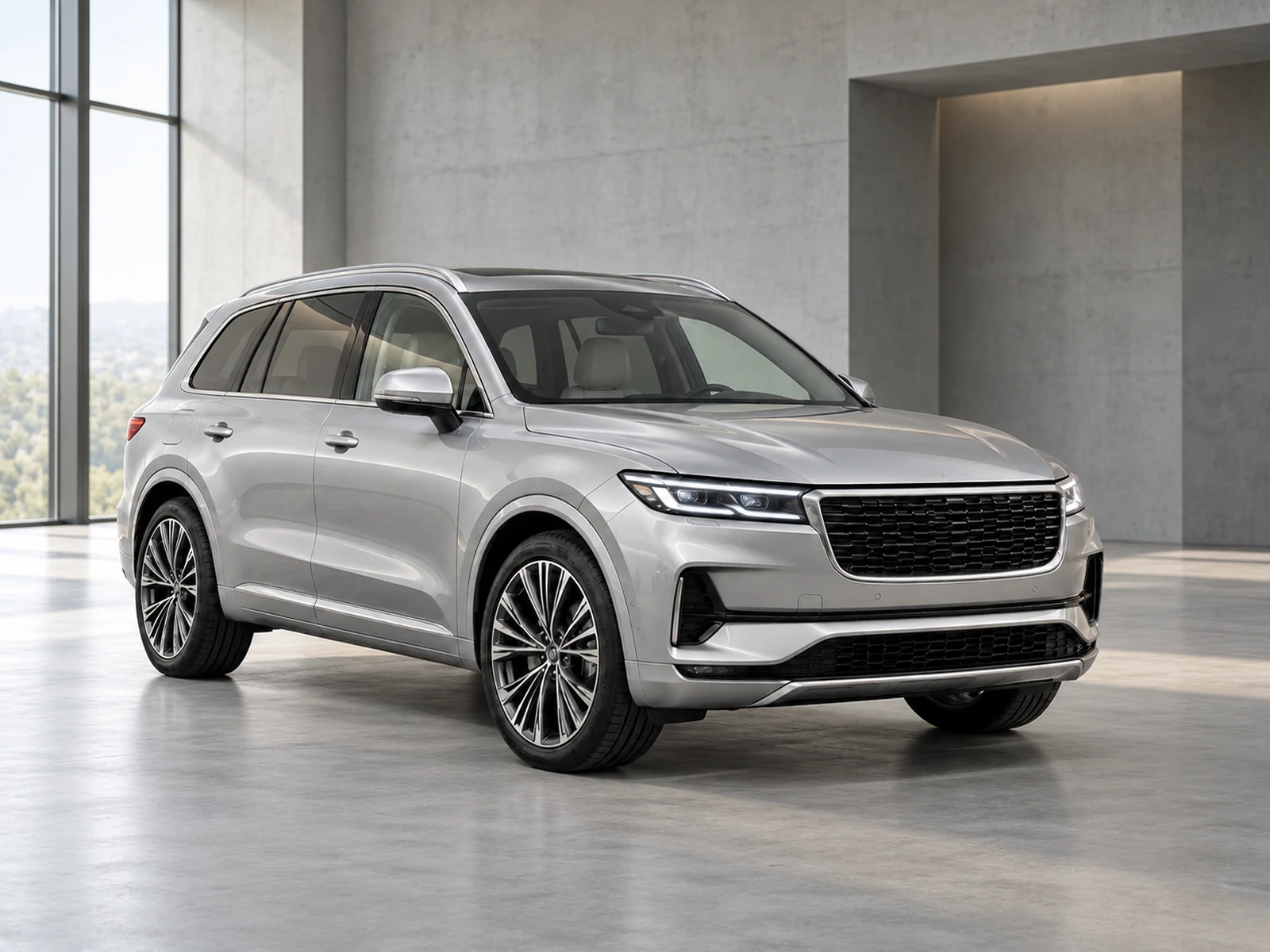
Work through the photographs for a vehicle without turning quality control into an afterthought. Approve one sample, prepare the remaining views and keep a clear status for every photo.
Keep one vehicle’s originals, sample and generated results together in a named project. A stock reference helps your team connect the project with the right listing without requiring a specific inventory system.
Upload the actual views you want to publish. Bulk preparation applies the saved style across those photographs; it does not manufacture missing angles or substitute one vehicle’s cabin for another.
02
Make approval the handover.
The remaining set becomes available after the sample is approved. That gives the person responsible for photo quality a clear checkpoint before more generation starts.
Interior and detail views retain their original settings with conservative adjustments. Mark each source correctly so a close-up or cabin does not enter the exterior-background workflow.
03
Track, review and export.
Progress shows queued, rendering and finished work. Cancel remaining requests if a set is wrong; pending photos can be stopped before provider work, while a request already processing must finish before its outcome is resolved.
Approve photographs individually and download the approved set as a ZIP. Check the final archive against your stock reference before uploading it to a dealer portal or website.
WORK IT INTO YOUR DAY
From your camera roll to a reviewed photo set.
Create one project and upload the real views for that vehicle.
Choose the sample, photo types and shared style.
Approve the sample, then start the remaining set.
Review completed results and download the approved archive.
BEFORE YOUR FIRST SET
Your questions, answered.
Does every photo cost a credit?
One new generation reserves one credit. Identical approved results may be reused, and failed or rejected results return the credit according to the workflow.
Can I cancel a queued set?
Yes. Pending photos can be cancelled and refunded. Already-rendering requests are discarded and refunded when the request completes.
Can I export different sizes?
Approved photos support original, square and widescreen presentations. Alternate shapes add space rather than cropping away vehicle parts.